
Description
SSL 4000E EQ processing with sonible AI-assisted analysis
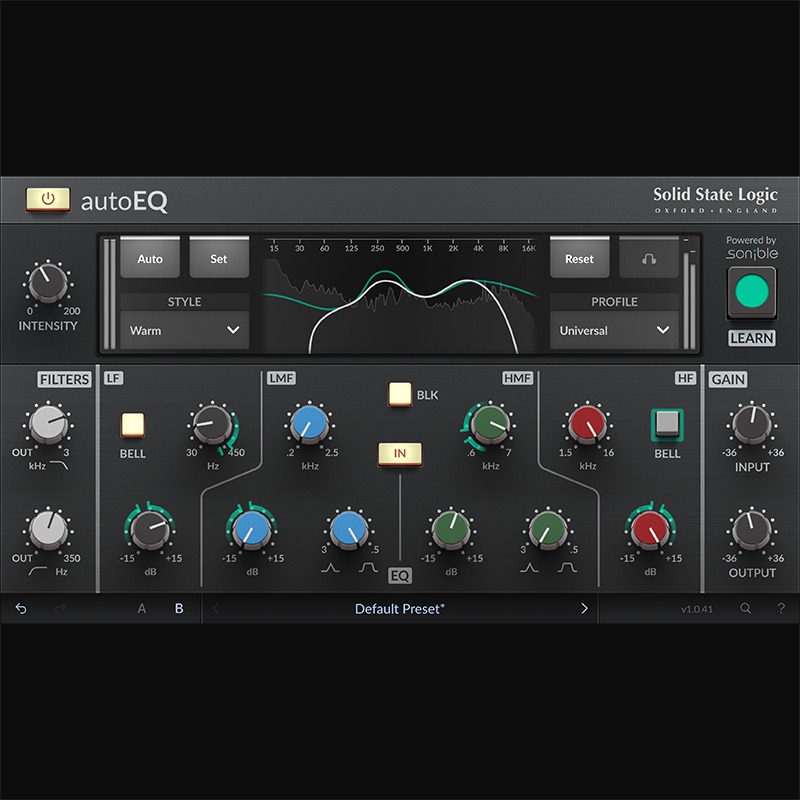
Introducing autoEQ, part of the autoSeries with autoDYN and autoBUS – the first plug-ins to pair the legendary analogue character of the SSL 4000 console with sonible’s industry-leading AI‑assisted audio analysis. Modelled on the SSL 4K E Channel Strip, autoEQ analyses your audio, presents profile‑based, style‑matched settings, and instantly delivers EQ processing that remains fully editable. Users starting their production journey get learn‑as‑you‑mix guidance, the pros get to the stage of applying their unique touch faster, while everyone spends more time in the creative zone.
AutoSeries: SSL processing with sonible AI assistance
Dial in your sound with Profile and Style. Profile tells the AI assistance what source it’s working with: kick, snare, vocal, or more, optimising processing for that signal type. Unlike a preset with fixed parameters, a profile adapts intelligently to your input. Style shapes the character of the processing: Neutral, Warm, or Bright, while the Intensity control lets you push processing from subtle to 200% for bold results. Together, Profile and Style give you flexible, editable starting points. Let sonible’s AI analyse your audio and deliver real-time recommendations, so you can move fast, stay creative, and achieve musical results with the authentic SSL 4000E sound.
SSL E Series processing
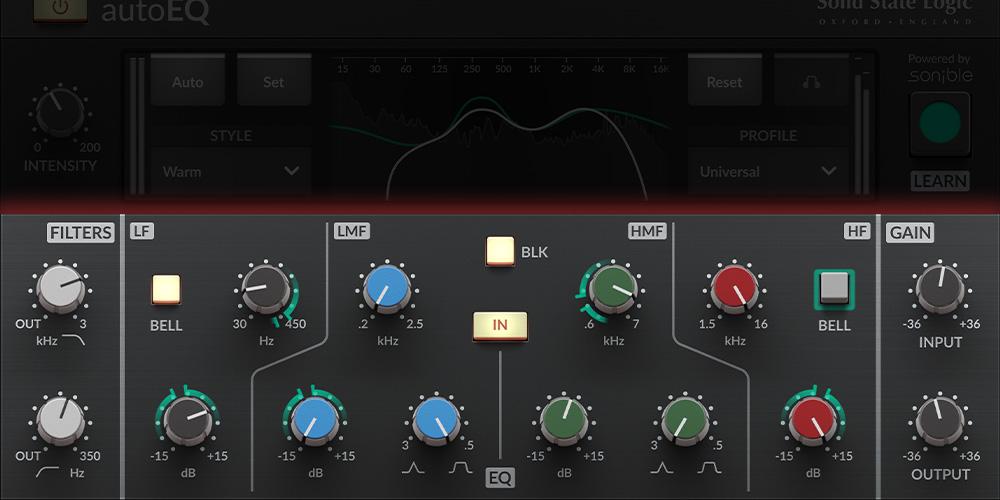
The SSL autoEQ delivers console accurate EQ curves and analogue character derived from the SL 4000E channel strip, designed to give you more grit and legendary low-end weight.
Integration with sonible’s AI-assisted audio analysis
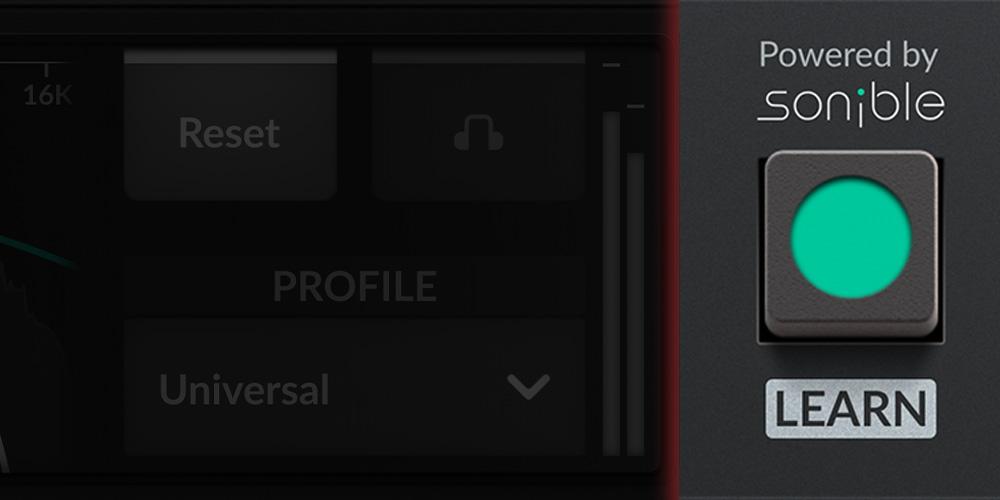
The autoEQ comes integrated with sonible’s AI assisted audio analysis. This intelligent tool detects source characteristics and recommends musical EQ moves settings, which you can choose to accept, refine, or override.
Instrument profile-based processing
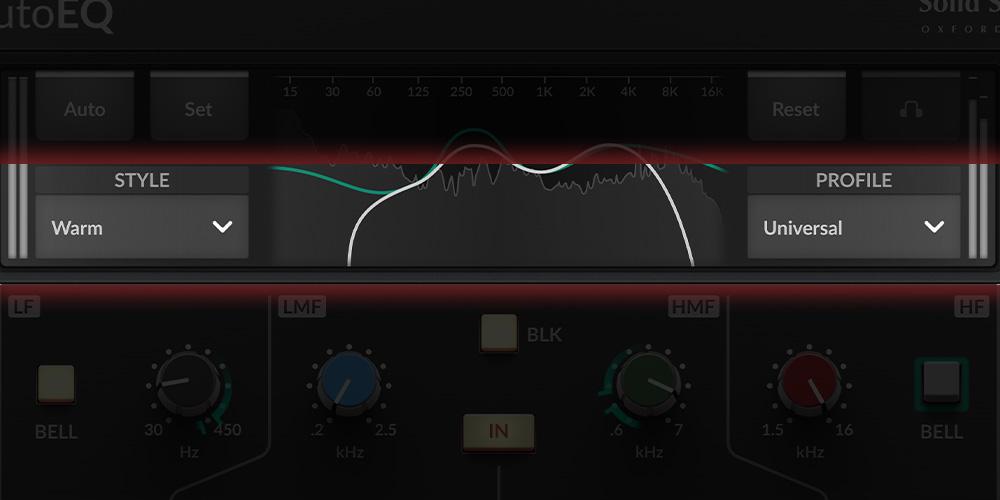
You can choose your instrument profiles to get instant starting points and tailored processing suggestions, which can help you set up your sessions faster and maintain tonal consistency across projects.
Visual mix-assistance for on-the-go learning
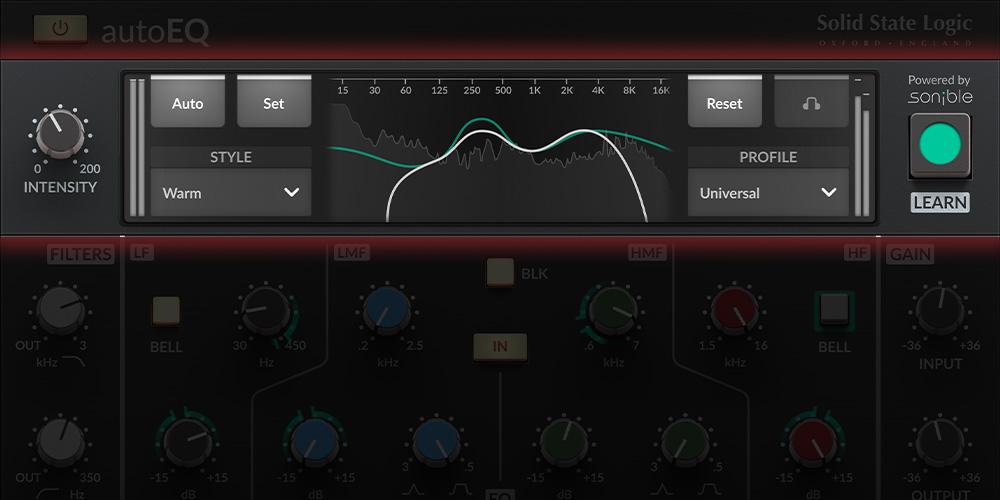
The SSL autoEQ features contextual and visible changes that can be very useful in helping beginners to understand where and why adjustments work. This feature can be turned off as you progress or if you are a more advanced user.